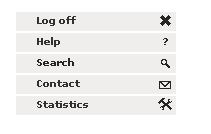
bottom left menu
  |
  |-- Log off
  |
  |-- Help
  |
  |-- Search
  |
  |-- Contact
  |
  `-- Statistics
Simply click on this button to log off from the application.
This menu entry allows access to the main online-help. Please refer to the online help to get informations regarding Qualimetrics, Approach, Factors, Criteria or Metrics.
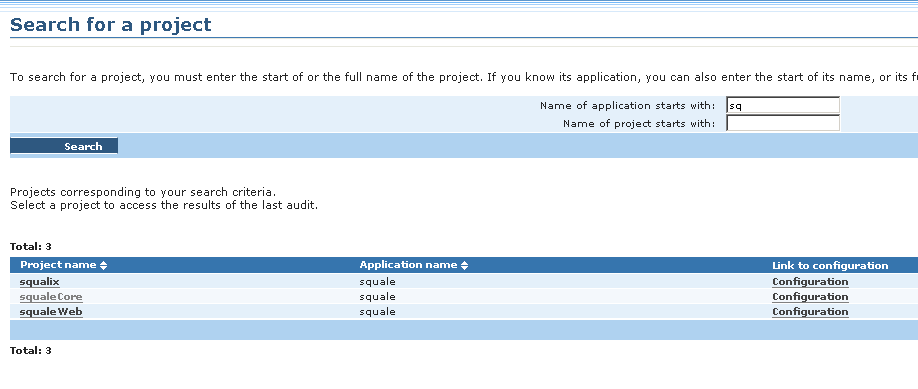
In the search pages one could either search for an application nor a project. Results are listed under the search fields and linked to the configuration pages or the result pages if any. Simply clic on the wished column entry.
To send an email to Squale administrators simply clic on this link ; it will open up your default mail client.
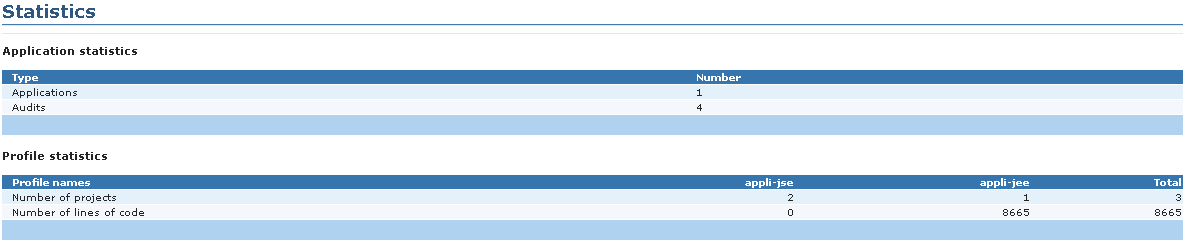
Here you will find some simple statistics regarding your usage of Squale such as number of application, of projects, types of projects or number of lines of code.